The short answer
Most DrogonTV problems come from the home network or a login typo. Restart the router and device, use a cable or 5 GHz Wi-Fi, try the HD copy of the channel and paste the login again. If one channel alone fails, send us its name.
First: one channel or all of them?
If only one channel fails while others play, its source is down — tell support. If everything stutters, it is the connection or the device, and the fixes below are for you.
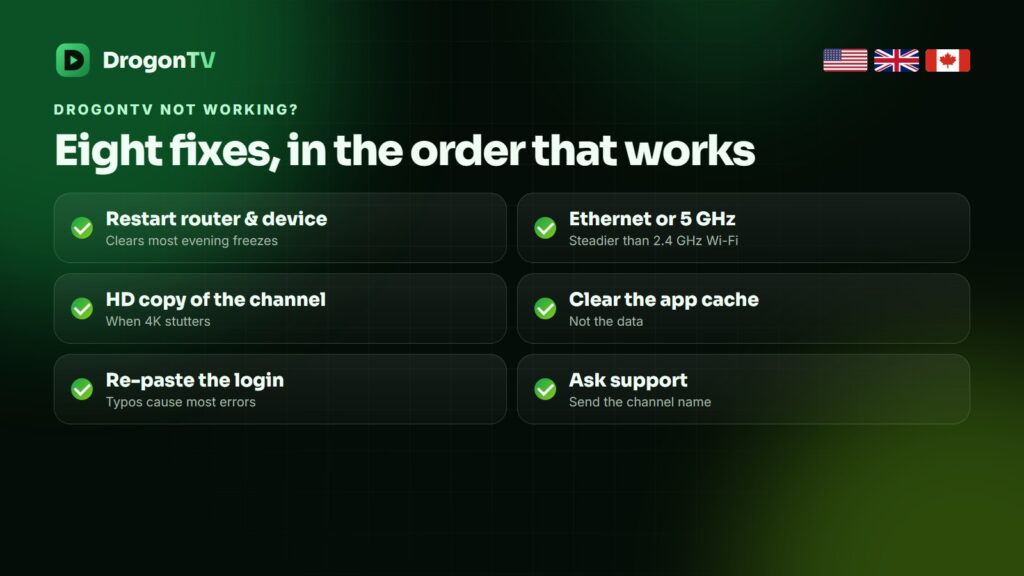
Eight fixes, in order
- Restart router and device — unplug both for thirty seconds.
- Use a network cable or a Fire TV Ethernet adapter.
- Switch to 5 GHz Wi-Fi if a cable is impossible.
- Pick the HD or FHD copy of a channel on busy evenings.
- Clear the app cache (not the data) in your device’s app settings.
- Raise the buffer to medium or large in the player.
- Change DNS to 1.1.1.1 or 8.8.8.8 on the device or router.
- Try the VPN option if buffering only happens at certain hours.
Login errors
| Error | Likely cause | Fix |
|---|---|---|
| Invalid username or password | Typo or capital letter | Copy and paste from the message |
| Cannot connect to server | Missing http:// or port | Re-enter the full server URL |
| Account expired | Plan ended | Renew the same line |
| Too many connections | Login used on another screen | Stop the other stream or add a connection |
What to send support
Your username, the device and app, the channel name and a photo of the error. With those, most issues are solved in one reply.
Frequently asked questions
Why does DrogonTV buffer only at night?
Evening is when home networks and providers are busiest. A cable, the FHD copy and, if your provider throttles, the VPN option help most.
Is DrogonTV down?
If every channel fails on two devices while your internet works, message support and we check the servers at once.
Films work but live TV does not.
Usually a player setting: switch the player’s decoder or update the app, then try again.
The TV guide is empty.
Refresh the EPG in the app settings; with an M3U login add the EPG link we sent.
Still not working?
Send the details on WhatsApp and a person looks at your line.