The short answer
Roku does not let you install IPTV players, so DrogonTV cannot run on Roku itself. The three ways around it: mirror an Android phone to the Roku, plug a Fire TV Stick or Android stick into a spare HDMI port, or, on a Roku TV, switch to that HDMI input.
Why Roku is different
Roku only runs channels approved in its own store and does not allow side-loading. IPTV players that accept an Xtream Codes login are not offered there, which is why no IPTV service works natively on Roku.
Option 1: screen mirroring from Android
- On the Roku: Settings → System → Screen mirroring → allow.
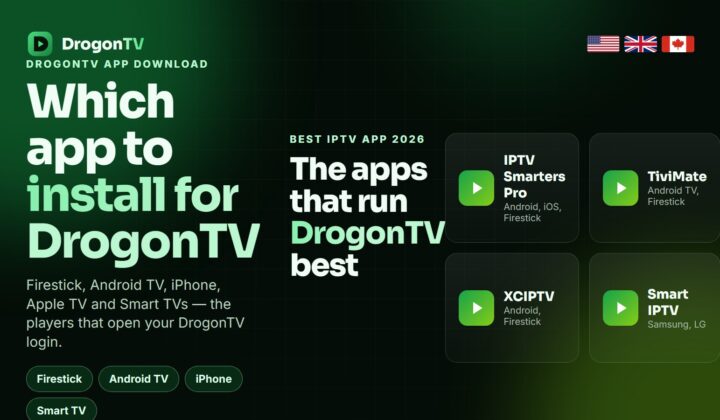
- On an Android phone, install IPTV Smarters Pro and sign in with DrogonTV.
- Use the phone’s Cast or Smart View button and pick the Roku.
Good for a match or a film; the phone must stay on and nearby.
Option 2: a stick in a spare HDMI port
A Fire TV Stick 4K or Google TV stick costs less than a few months of cable and gives you a proper DrogonTV app with a remote. Most Roku TVs have two or three HDMI inputs.
Option 3: a Smart TV with its own player
If your Roku is a separate box plugged into a Samsung or LG TV, use the TV’s own IBO Player instead.
Which to choose
| Option | Cost | Picture | Best for |
|---|---|---|---|
| Mirroring | Free | HD, depends on Wi-Fi | Occasional viewing |
| Fire TV / Google TV stick | One-off stick | Up to 4K | Everyday viewing |
| TV’s own player | Small app fee | Up to 4K | Samsung & LG owners |
Frequently asked questions
Is there a DrogonTV channel on the Roku store?
No. Roku’s store does not carry IPTV players that accept an Xtream login.
Does mirroring work from an iPhone?
Recent Roku models support AirPlay, so an iPhone can mirror an App Store player such as iPlayTV.
Which stick should I buy?
A Fire TV Stick 4K Max or a Google TV stick; both run DrogonTV players smoothly in 4K.
Will a stick cost me a second subscription?
No. Your DrogonTV line works on any device; one connection plays on one screen at a time.
Try DrogonTV on your TV
Get a free trial and test whichever Roku option suits you.